
You are now able to send messages using the new messaging tool in MobileLeads.
The messaging format in MobileLeads shares the identical functionality as sending a message on the ClickHome Desktop.
See: Info - Sending a Message(Desktop)
Accessing a Lead to send a message
- Navigate to the Lead you want to send a message on.
- Click on the 'Send a Message' button located at the top right of the screen.
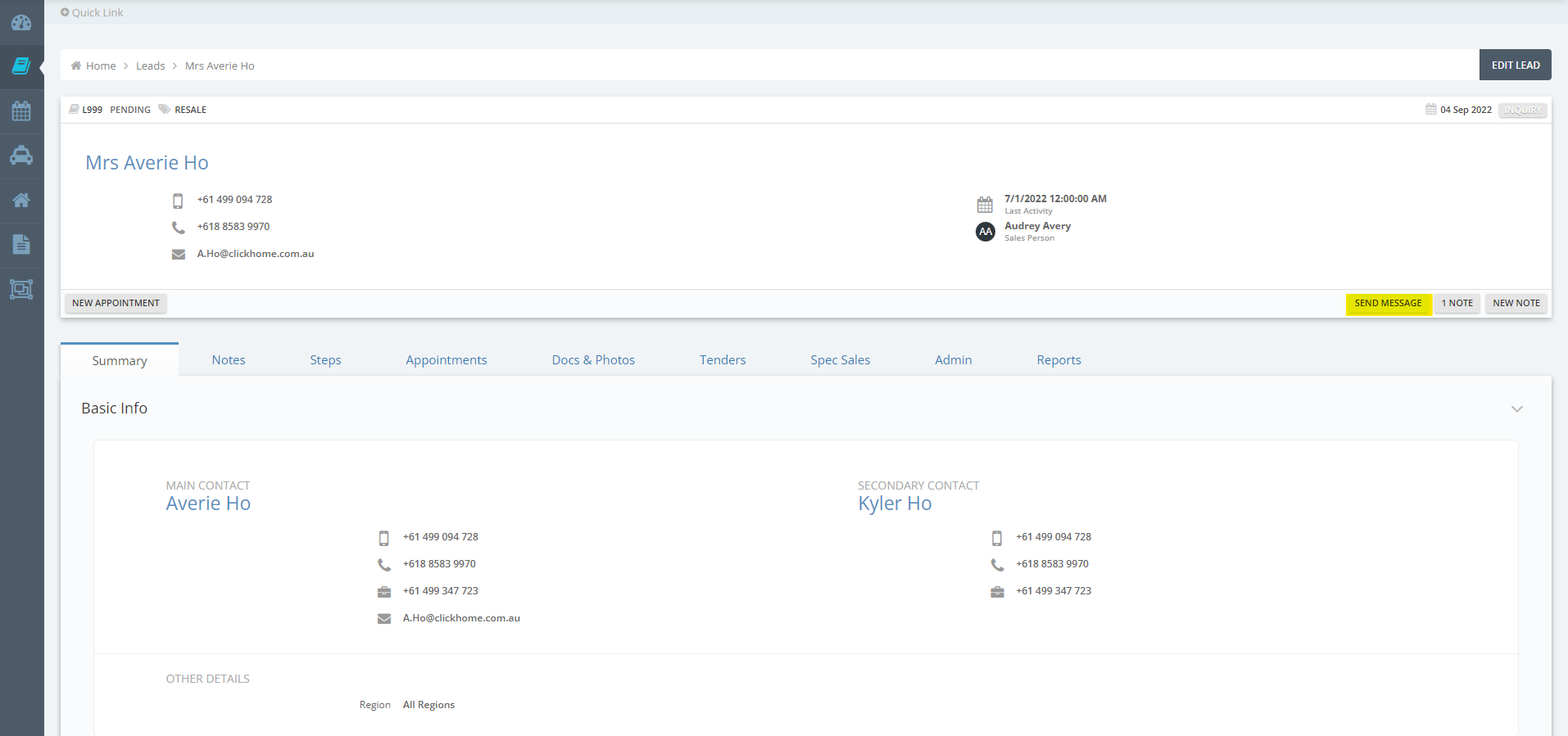
- Once you have clicked on the 'Send a message' button the send a message modal will be made visible.
You can begin a message by selecting a template - Any edits/changes made to the template when creating the message will not be saved on the template itself.

In order for edits/ changes to be applied to the actual template, you will need to make these changes on the actual template and save the changes against the template.