
The Single Sign On functionality is now available on the ClickHome Desktop.
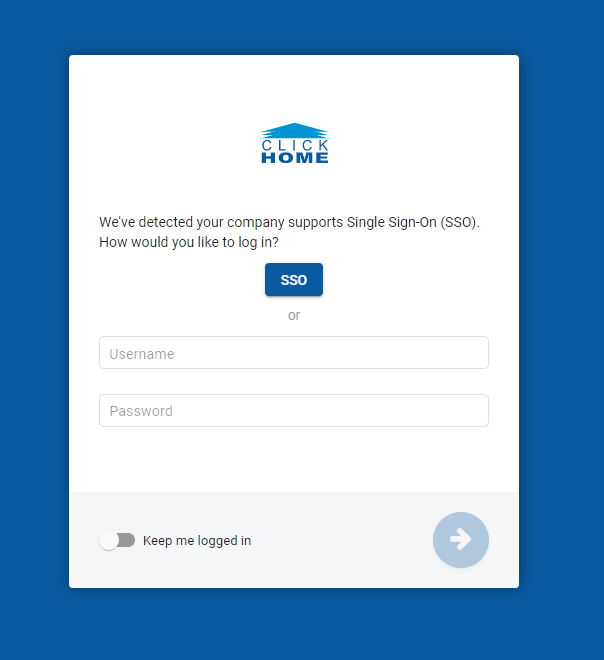
On the ClickHome Login screen you have an option to Login using SSO credentials or Login using ClickHome credentials:
Login using Single Sign On (SSO)
- Click on the 'SSO' button
- Once you have clicked on the SSO button, you will be redirected to the Login screen:
3. To sign in using SSO, you require a Username & Password
4. To stay logged in, you can use the 'Keep me signed in' tickbox
Once you sign in using Single Sign On, you will not have to sign in again when on a different interface (MobileLeads)
For information on how to setup SSO, see: Setup - Azure AD App Registration Guide.
Login using ClickHome
See: How To - Login & Logout of ClickHome
To stay logged in, you can use the 'Keep me logged in' toggle. 
Important Note:
If you logout, you will not be logged out of the ClickHome desktop. The browser window must be closed completely for it to request a new login.